Landing Page prototyping with Gemini Canvas
TL;DR
For those in a hurry, here's the quick version.
If you're after an exquisite design or a groundbreaking funnel, this isn't your story. This article is for CEOs, founders, and designers who need to build a professional, conversion-focused landing page fast — to validate a product or attract clients without complex processes or advanced skills. Here's the proven method I use with clients — and why it works.
4 Simple Steps to Build a Winning Landing Page in Just a Few Hours:
Create a** digital repository** with all project information: decks, online meeting notes, email threads, etc.
Generate the** funnel copy and web **prototype using Gemini Canvas
Share it for quick feedback with clients or partners, and iterate until the prototype meets expectations.
Build** the landing page in Framer**, using a template that closely matches your prototype and fine-tuning the branding.
Before we dive in, let's remember two key things:
Your website isn't about aesthetics — it's about strategy.
A simple website or a Landing Page (LP) is, above all, a channel to generate leads. Designing an LP means designing a conversion funnel shaped by your brand identity.
If you don't have a defined brand yet, or you're a startup still in the validation phase, don't worry about it for now. But if you already do, align your funnel with its brand guidelines — that way, you'll already have a big part of the work done.
Avoid Dependence on AI
After spending countless hours experimenting and designing with AI, I've come to this conclusion: **don't delegate your ability to synthesize or your creativity to an LLM **(or any other AI-based tools) as your default way of working. Especially if you already understand the product and its ecosystem — in most cases, what you can create on your own will likely be superior.
That said, AI can be extremely useful when you need quick results, have to produce something from scratch under tight deadlines, or are working with a product or niche you don't fully understand yet. In those cases, prototyping with AI makes the process far easier and more manageable than a traditional, exhaustive approach.
1st Law: Designing with AI Means Designing from the Mainstream
An LLM approaches you from what it already knows — "Would you like me to create a plan for your AI-based landing page?" — not from what it doesn't — "Why do you think you need a landing page in the first place?"
In general terms, AI is most effective when you use it to normalize or refine your work. For example, if you write a sentence with spelling mistakes, AI corrects them — it "normalizes" your sentence using the statistically most probable form. In the context of a landing page design, the same logic applies: the "grammar" it uses to correct or structure your request will likely draw on frameworks such as AIDA, PAS, or FAB.
Therefore, if you invest minimal time and knowledge to complete a task that would normally require much more effort and resources, AI adds value — primarily by saving you time.
1. Gathering Information
There are parts of a project where, in my opinion, using AI is a no-brainer. One of them — and the very first step in this fast landing page methodology — is gathering information.
2nd Law: More Context = Less Prompting, More Focus
If you want to make the most of an LLM, the more context you provide upfront, the better. This basically means digitally storing and collecting every piece of content you have about the project: pitch decks, briefings, email chains, conversations with clients, partners, or your team — everything counts.
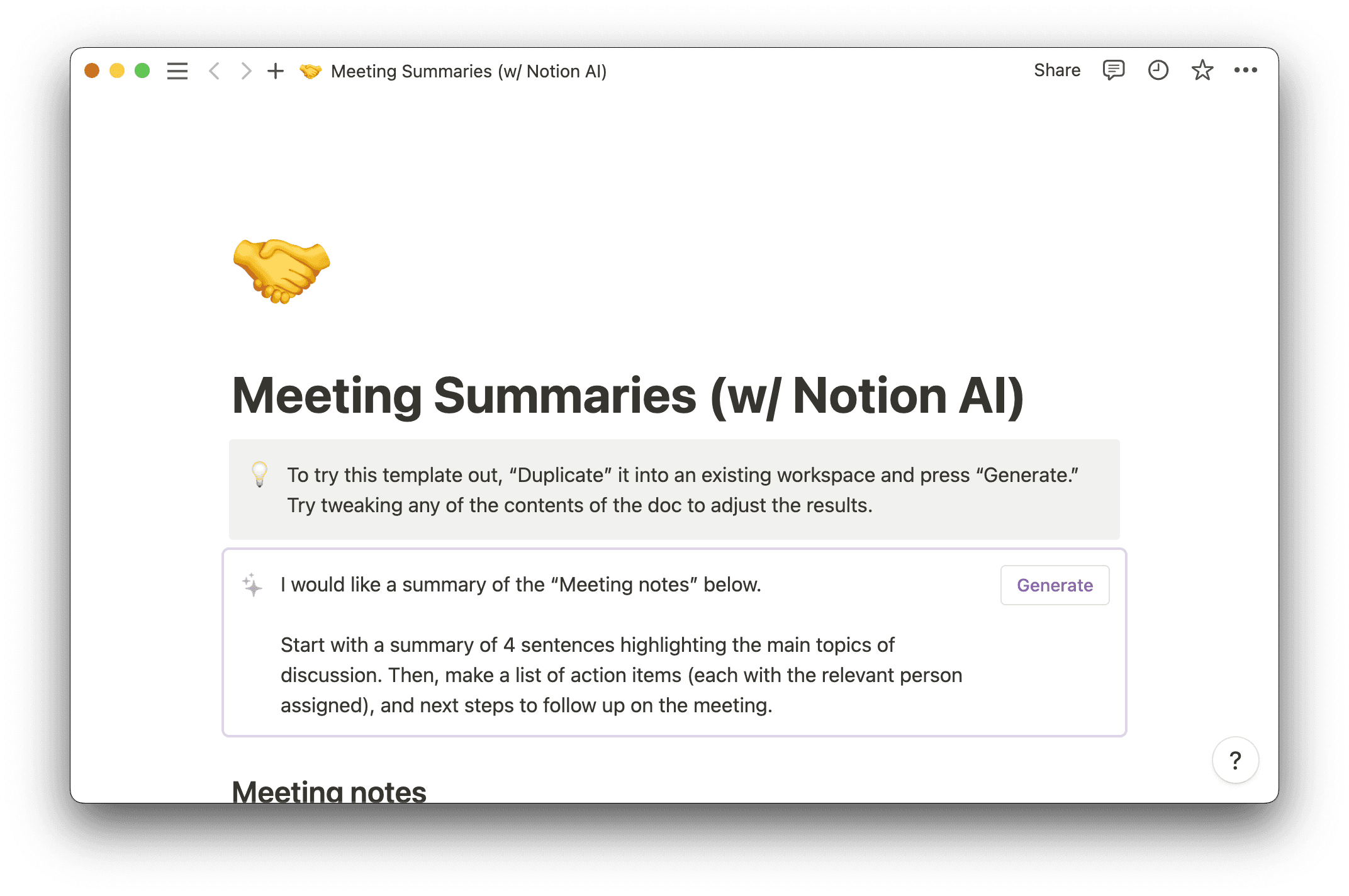
Make sure to digitize your conversations. If you meet via Google Meet or any other platform, record the session and automatically extract minutes from the transcript using Notion, Chrome plugins, or similar tools.
Important: If you're a designer, inform your client that you'll share product information with an LLM. For startups this is usually fine, but get explicit consent if needed.
Need more context on the project — benchmark funnels, competitors, lead magnets, personas, or SEO? Use Perplexity Research. In most cases that's more than enough for preliminary research. This kind of specific context is exactly what your LLM needs to guide its responses effectively.
Tip: Don't try to force the LLM to "analyze UIs." If you want to understand or rely heavily on an existing digital product or its landing page, take the time to study it carefully. Break it down, analyze why its sections and components exist. The visual language you perceive in a UI will not be understood by any LLM, since it doesn't have access to dynamic content in the first place.
2. Prototyping the LP
Now that you have a repository (for example, in Notion) with all your project information digitized, it's time to ask an LLM to generate the copy for your landing page. From this point on, I recommend working with Gemini — I'll explain why shortly. Attach everything you have, not just a short prompt summarizing the project.
3rd Law: 1 Prompt = 1 Task
Tip: If you've collected a lot of information, your LLM's context window might not be able to handle it all, and it could miss important details about the product, niche, or user, failing to fully achieve your strategic goal. You'll need to synthesize your research and align it with your strategy, identifying patterns and insights through ChatGPT, Grok, or even Notebook LM.
For a more extensive website, I recommend first asking ChatGPT (in extended mode) to generate a general site structure.
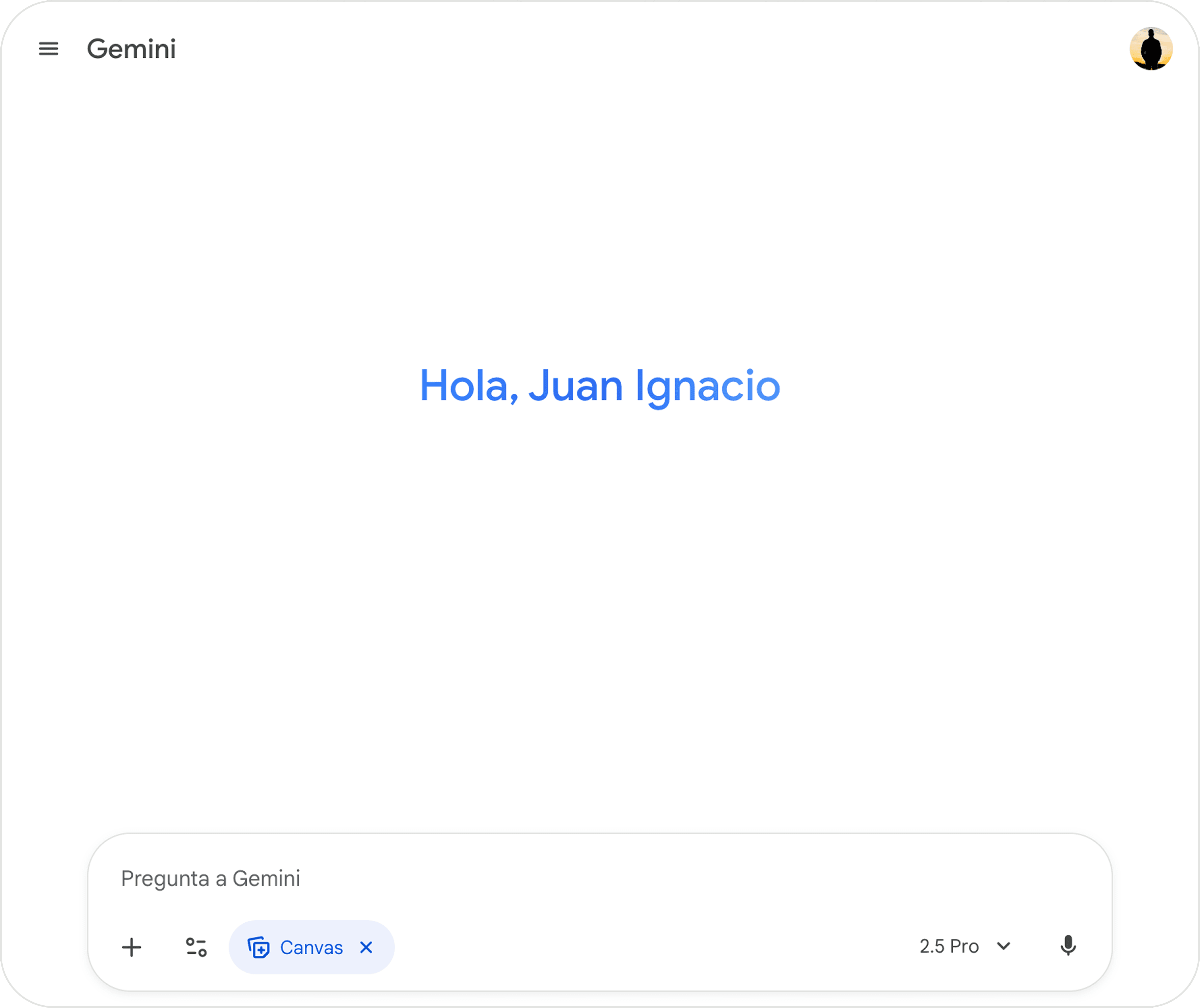
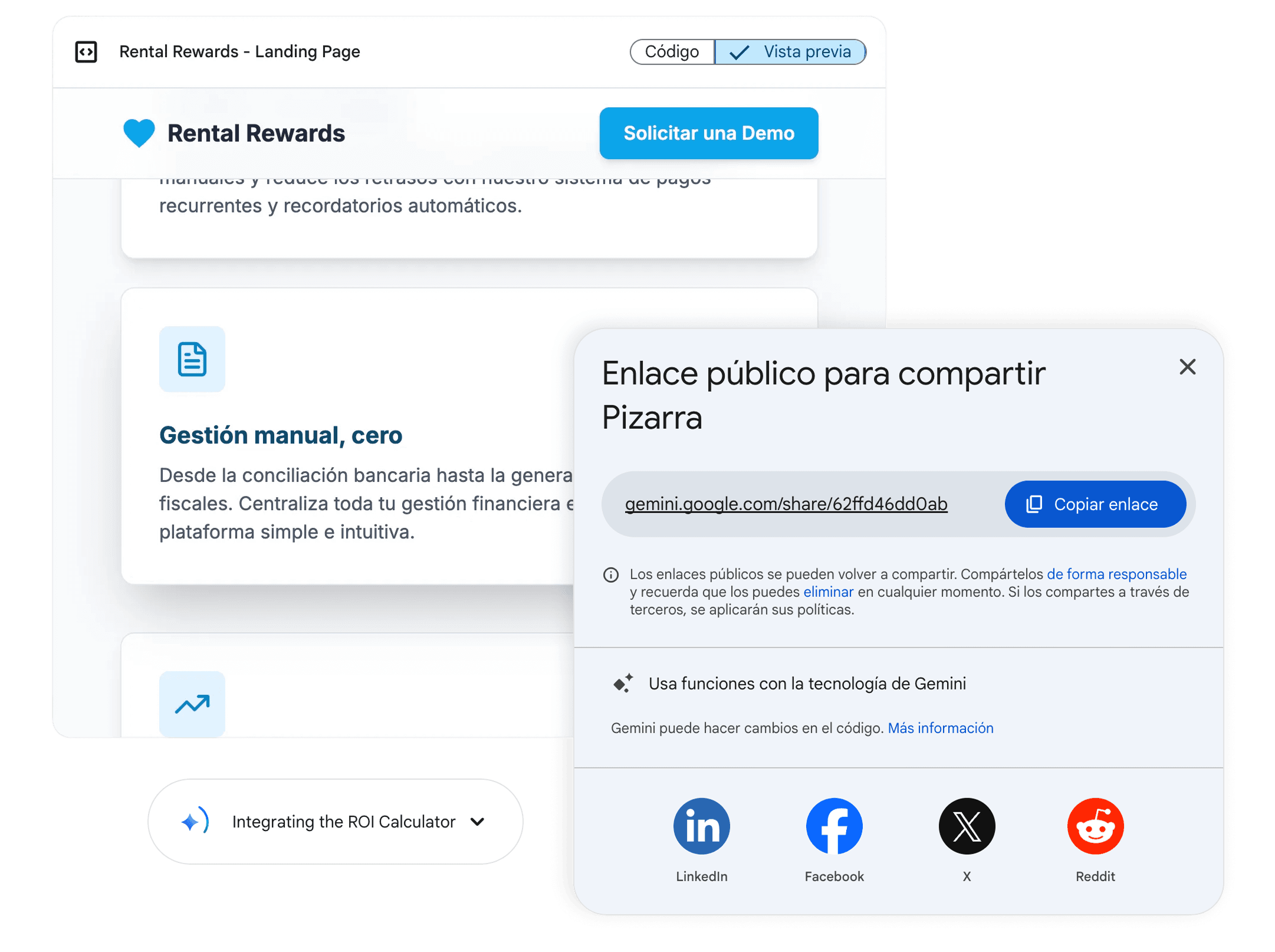
Once you've asked Gemini for the copy, activate Canvas mode and let it design the website. You'll now have your first functional prototype — fully responsive and ready to share via a fast-loading link on any device. From here, you can iterate: refine the branding, test variations, and so on.
Tip: When you find a design you like, **save the link in a separate tab **— otherwise, you might lose it while iterating on the code.
If something doesn't quite fit, use your documentation and project materials to redirect the LLM's attention, saving yourself unnecessary explanations or extra prompting.
Could you use other LLMs and tools to generate the copy and UI? Yes, but I recommend Gemini, which is specifically designed for rapid prototyping and, in my experience, is more appealing to humans, offering a clean design system and agile, straightforward results.
Advantages of Gemini compared to other no-code tools:
Very easy to create, iterate, and open on any device, with fast testing and quick loading.
Simple code in HTML, CSS, and pure JavaScript, ideal for small MVPs and easy to iterate without losing track.
Features a clean, attractive UI, better suited for landing pages than Lovable or Make, which are more focused on SaaS products and apps.
Offers greater creative freedom in visual patterns and information structure, resulting in layouts that feel less uniform than those made with Lovable or Figma Make.
3. Real-time feedback
Explore different hypotheses and approaches in copy, structure, and user flow, iterating slightly until you have two or three versions with different copies or funnel strategies. For example: a canonical version following Gemini's standard, one with a more aggressive pitch, and another more technical. ChatGPT, for instance, tends to generate longer scripts with more sections than Gemini.
In just a few minutes, you can have several proposals ready to send to your client or partner to validate both the copy and the structure.
If you want to go further — and you've tested different versions of sections or components (for example, FAQs) — take screenshots of the most interesting ones and place them in a Google Doc, section by section and numbered (here you mix the best of each proposal). This lets you combine the best parts of each proposal. It also makes feedback effortless for the client: they can comment directly in the document, specifying what they prefer — "In the benefits section, I prefer the structure from #1 but the copy from #3."
With this workflow, you can get feedback and strategic approval in just a few hours, covering about 80% of the landing page. Plus, if you're a designer, it helps your client feel involved, confident, and part of the process.
4. Building the final version
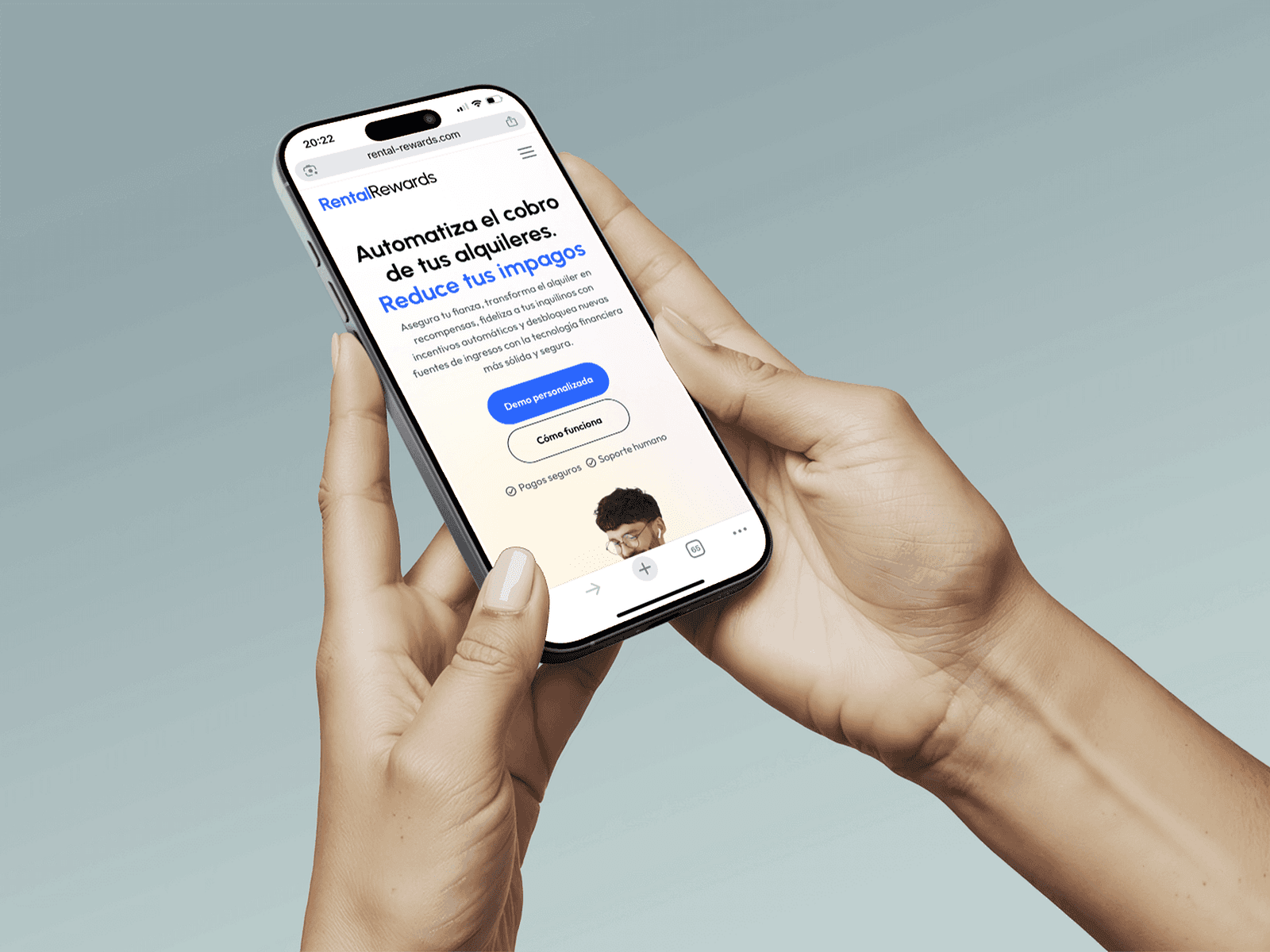
The time has come to build the website. You can use Framer templates (or any no-code tool) to quickly create a competitive landing page and validate the aesthetics — especially if the client doesn't prioritize UI or wants to test the idea before investing in design. This approach lets you gather fast feedback, validate the design, and deliver immediate value.
The first step is to validate the design and branding, even if only at a basic level. Once that's done, choose a template with sections and components that closely match your prototype — for example, a SaaS-focused one if it's a SaaS product.
Within just a few hours (or a single day), you can adapt the template to align with the Gemini prototype, the product's goals, branding, and the client's preferences.
If you're more comfortable with WordPress or another website builder, that's fine too. However, Framer stands out for digital startup products: their value often lies in an intangible proposition that benefits from strong visual appeal — something Framer delivers intuitively.
Conclusions
Many designers might be hiding their use of AI because they see the increased productivity — and the delegation of their time and effort to artificial intelligence — as something that devalues their work. They prefer not to be too explicit about it. But in reality, it's quite the opposite.
In lean environments and startups, being transparent with clients about how you use AI actually adds value. It allows you to deliver results much faster and iterate more efficiently.
What are you really saving? Hours of product understanding, business context, and user research — all the time once spent on discovery and comprehension. Likewise, the time previously dedicated to writing copy or designing the page architecture is now supported by AI, which relies on its own components and established ways of structuring information — a dominant visual language that people already trust because of its inherent bias.
The result is a highly competitive landing page built in a fraction of the time. Overall, you can expect an effective funnel (thanks to AI) and a highly polished outcome (thanks to Framer).
This approach lets you design a clean, cohesive landing page — and a clean product always inspires trust.